
Meta ImageMetaImage

Seedream 5.5 AI Image Generator

Keep editing the same photo, or export a layout-ready transparent PNG — without leaving your browser.

  • Multi-round edits
  • Transparent PNG
  • Up to 2K

Change one thing per round, name what must stay, and continue from the last result. Free credits on signup.

On Meta Image — an independent browser studio — Seedream 5.5 runs with credits, history, and downloads. Meta Image Generator guide →

9 credits at 1K and 1.5K · 16 at 2K. Each uploaded photo adds 4.

Need all models and presets? Open full studio →

Start with your job

Updated November 13, 2026

Specifications

Input
Text prompt, or a text prompt plus up to 10 photos. Say what each photo provides.
Output
PNG. Background can be opaque or transparent, including partial transparency.
Max resolution
1K, 1.5K, or 2K. No 4K tier.
Credits
9 at 1K and 1.5K · 16 at 2K. Each uploaded photo adds 4.

Examples on Meta Image

Real outputs from Seedream 5.5. Open any setup in the generator above.

Upload this
Upload this
After the edit
PNG1:12K

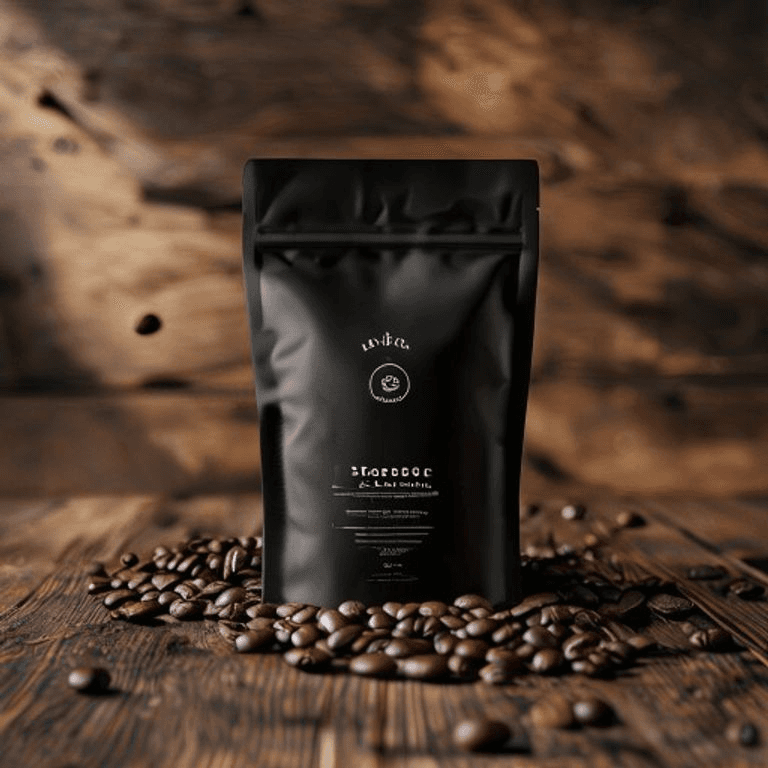
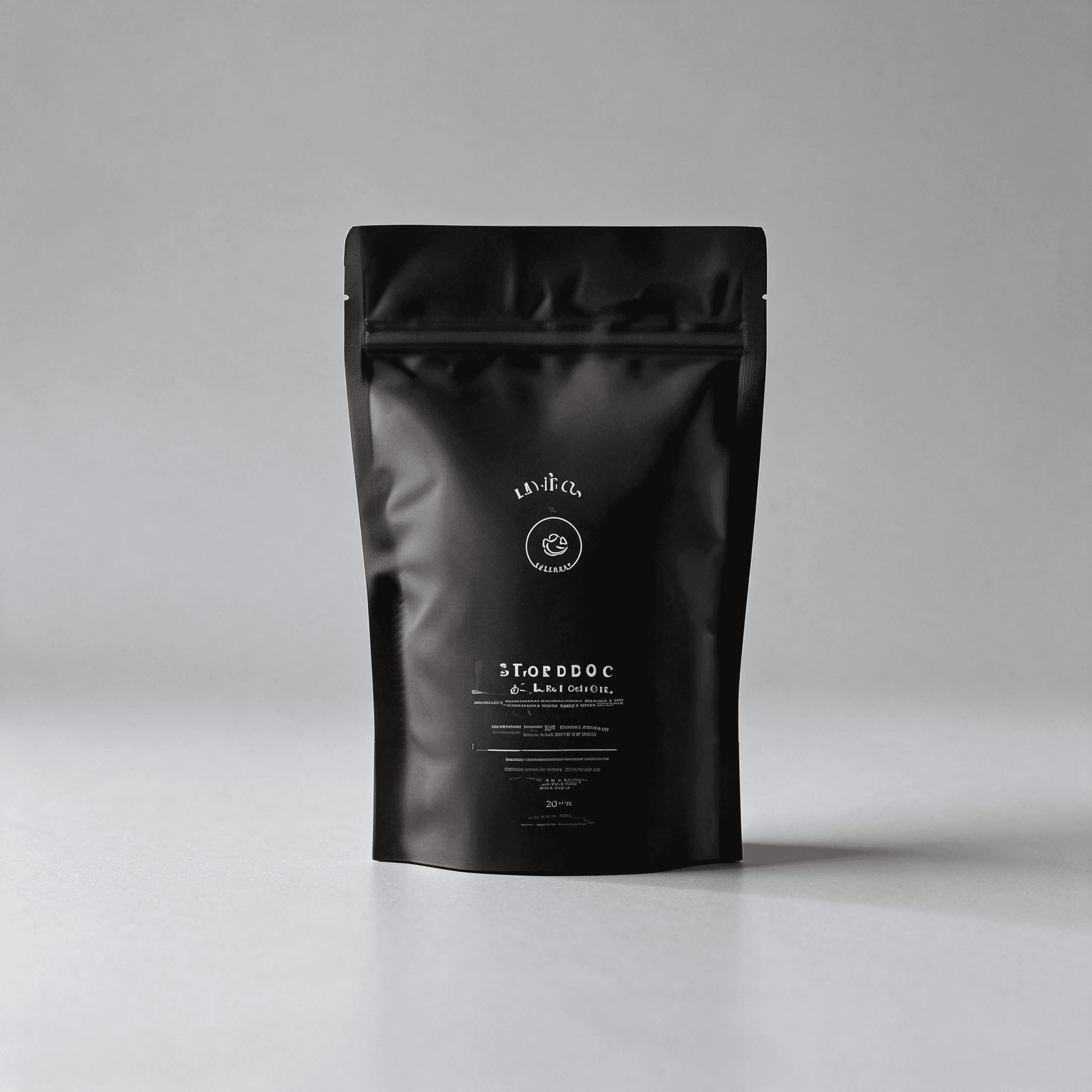
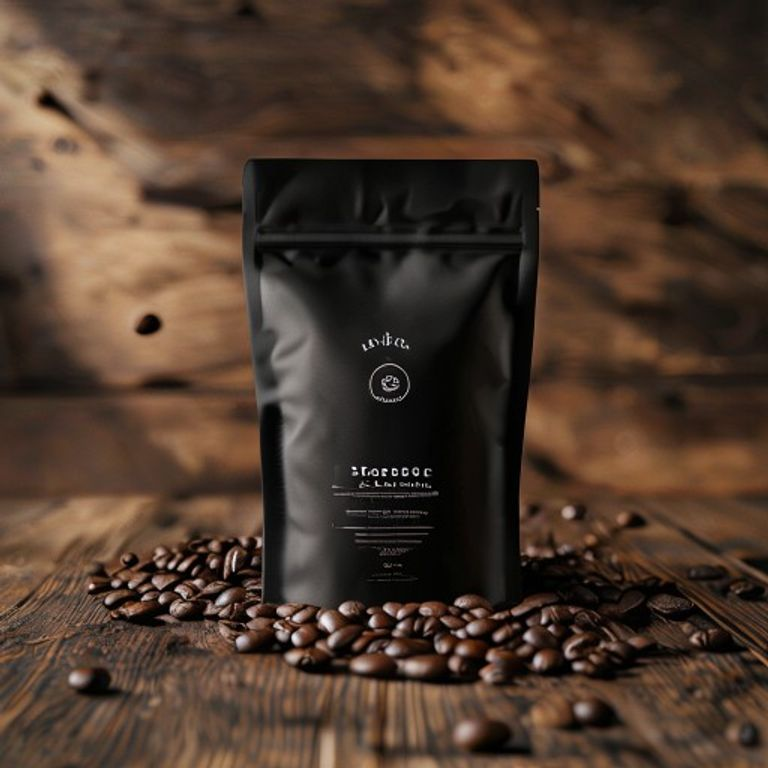
Same pouch, one change, then another

Upload the pouch photo, change the background in one round, then stack small fixes with a keep list.

Compare the zipper and label with your upload before the next round.

Download the photo
View prompt

Change the background to a soft light-gray studio sweep. Remove the coffee beans and the wooden table. Keep the pouch shape, the zipper, and the printed label. No extra props or text.
Load this setup →
On a light page
TransparentPNG2K
On a light page
On a light page
On a dark page
On a dark page

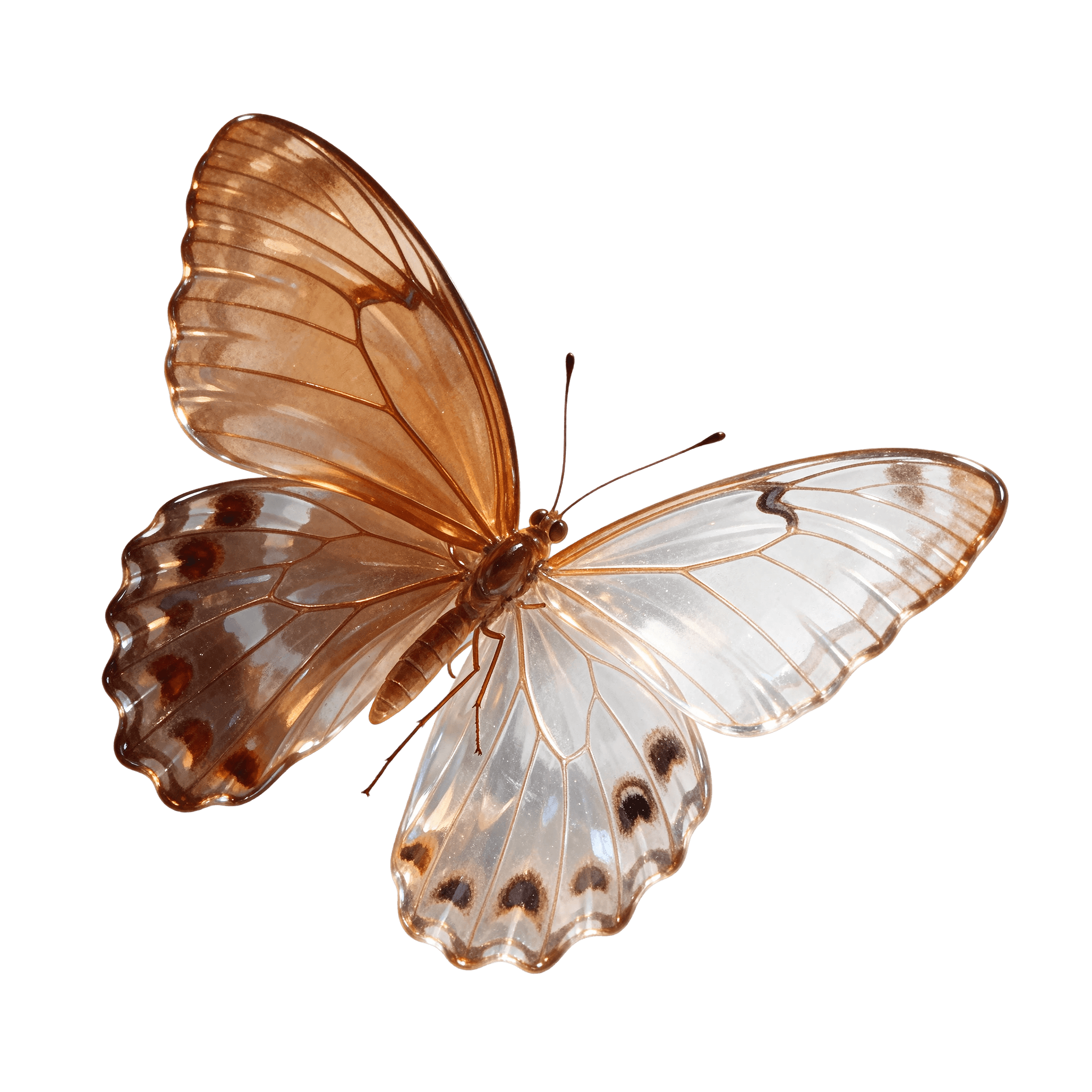
A sticker you can place on a layout

Turn on Transparent PNG, then check the same file on light and dark layouts.

Watch for halos, missing edges, and glass that came back opaque.

View prompt

A glass butterfly sticker with half see-through wings, fine vein lines, and clean edges, on a transparent background. No page, no cast shadow, no extra text.

Load this setup →
Small type, including one Chinese line
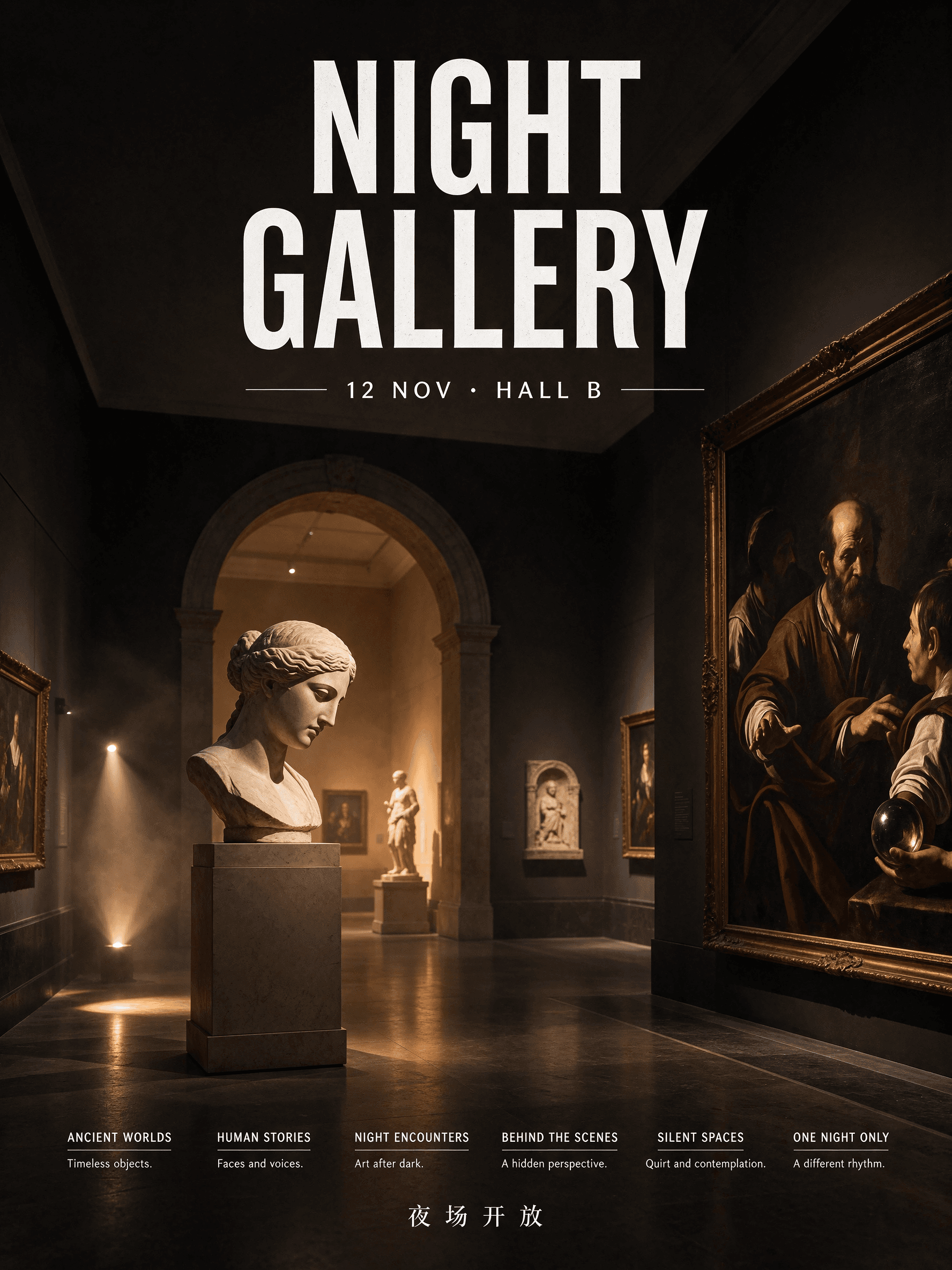
PNG3:42K

Small type, including one Chinese line

Quote the lines that must match. Use 2K when the type is small.

Read every quoted line at 100% before you publish.

View prompt

A vertical museum poster. Headline "NIGHT GALLERY" in condensed sans-serif at the top. Date line "12 NOV · HALL B" under it. Six short captions in small type along the bottom. One line of Chinese: "夜场开放". No other text.

Load this setup →
A portrait that looks photographed
PNG3:42K

A portrait that looks photographed

Describe light, lens, and material instead of vague style words.

Confirm it is the same person and the skin does not look waxy.

View prompt

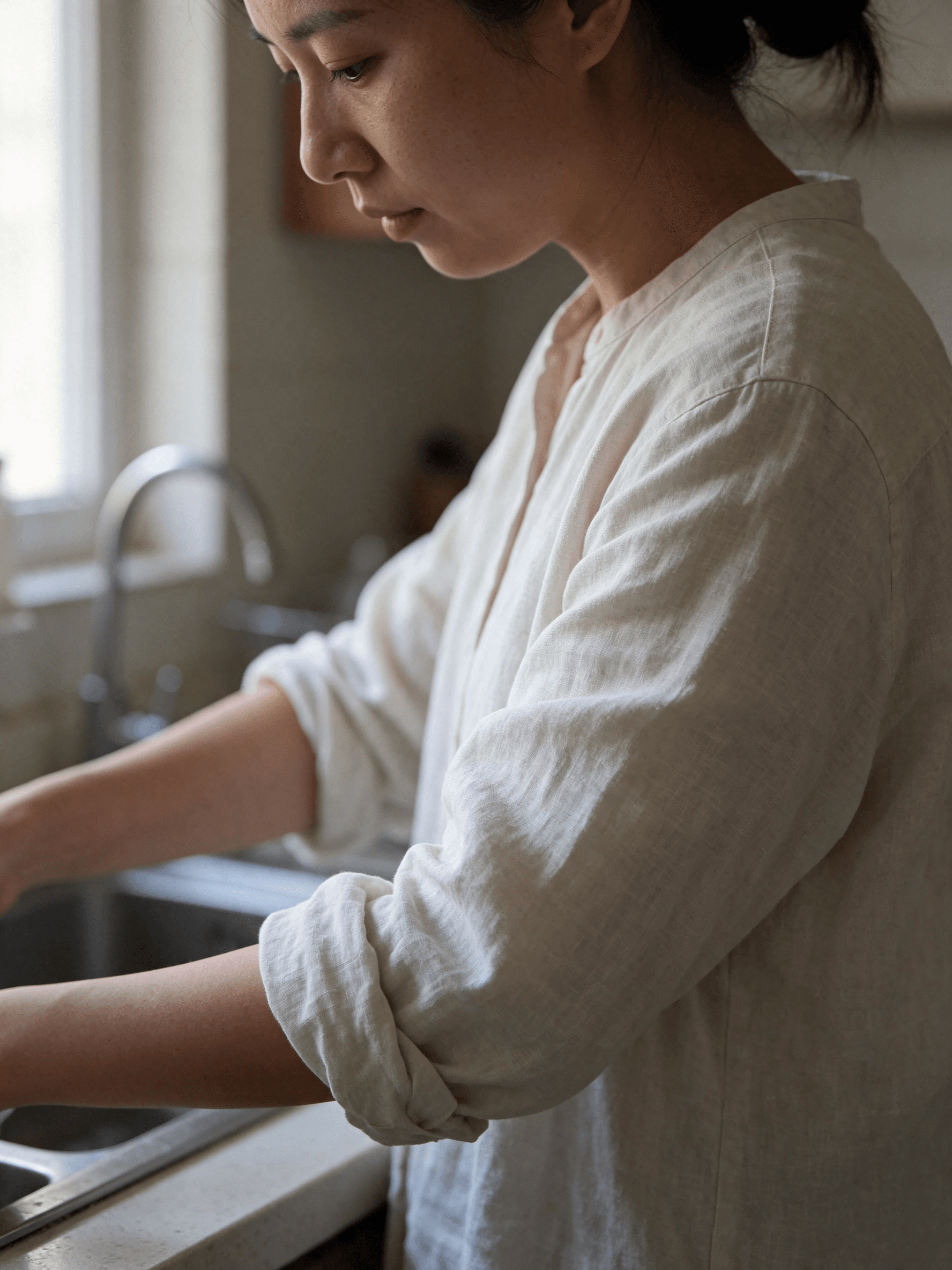
Editorial photo of a woman in her early thirties at a kitchen counter, sleeves rolled up. Warm window light from the left, 50mm lens, shallow depth of field. Skin with pores and a slight shine on the nose, linen with a visible weave, no waxy gloss. No text.

Load this setup →

One change, then a keep list

View prompt

Change the mug to matte black ceramic. Keep the handle, the printed label, the steam, the linen folds, and the window light.

One sentence for the change. Bullet what must stay. Repeat every round.

  • Do not pack every wish into one prompt — that redraws the frame.
  • After ~10 rounds, compare against the original upload for color drift.

Which model to open

JobStart with
Revise the same photo across many roundsSeedream 5.5. One change per round, plus a keep list. Compare with the original about every 10 rounds.
Sticker, cutout, or wordmark with a transparent backgroundSeedream 5.5, transparent PNG. Check it on a light page and a dark page. Glass and liquids often stay opaque.
Poster with a few exact lines, a short GIF, or a simple SVGGPT Image 2.6.
Short infographic, 4K, or a wide bannerNano Banana 2.1.
Everyday photo edit or a scene from several photosMuse Image.
A cheap text-to-image draftFlux Pro.
Packaging copy, a price, or a dateAny model. Read it yourself before you publish.

Check these before you publish

  • A long edit chain is steadier than a full redraw, and it is not pixel-identical. Untouched areas can warm slowly, and the whole frame can darken. Replacing or moving a large object can shift the crop and nearby regions.
  • ByteDance’s 100-round demo is a stress test. In production, change one thing per round and return to the original when the color drifts.
  • Transparent output helps solid subjects and soft edges such as feathers and smoke. Glass and liquids often stay opaque.
See all limits
  • Dense Chinese and English type is stronger than the previous Seedream. Read quoted text anyway. Other scripts, prices, and dates still need a human check. A text request can reshape the surface it sits on.
  • The sharpest output here is about 2K. Larger print needs a separate upscale.
  • This page does not export GIF or SVG, split a picture into layers, or edit by drawing on the image.

Related

What is Seedream 5.5?

Seedream 5.5 is ByteDance Seed’s image model, released on November 9, 2026. On Meta Image it edits one picture across many rounds and can export a PNG with a transparent background, up to 2K. Meta Image is not affiliated with ByteDance.

How is Seedream 5.5 different from GPT Image 2.6?

Use Seedream 5.5 when you will keep editing the same image, or when the file needs a transparent background. Use GPT Image 2.6 for a poster with a few exact quoted lines, a short GIF, or a simple SVG mark.

Will unedited areas stay identical for 100 rounds?

ByteDance’s launch demo ran 100 rounds on one portrait. Independent 20-round tests still show a slow color drift and an occasional jump when a large object moves. Write a keep list, and compare the result with the original.

Can Seedream 5.5 export a transparent PNG?

Yes. Turn on Transparent PNG. The file is a PNG with an alpha channel, including partial transparency. Check it on a light background and a dark one. Glass and liquids often stay opaque.

How well does Seedream 5.5 render text, including Chinese?

ByteDance reports a 0.4% severe corruption rate and a 1.7% minor rate on Chinese and English, including dense small text. Put the words that must appear in quotes. Prices, dates, and other writing systems still need a human read.

What resolution and aspect ratios are available?

1K, 1.5K, and 2K. Aspect ratios are 1:1, 4:3, 3:4, 16:9, 9:16, 2:3, 3:2, and 21:9. Auto follows the upload on an edit. A new image set to Auto is generated at 1:1. There is no 4K tier.

When should I use Muse Image or Nano Banana 2.1?

Use Muse Image for an everyday edit or a scene built from several photos. Use Nano Banana 2.1 for a short infographic, a 4K still, or a wide banner. Use Seedream 5.5 when the same picture will be revised many times, or when you need a transparent PNG.

How many credits does Seedream 5.5 cost?

9 credits at 1K and at 1.5K, and 16 credits at 2K. Each uploaded photo adds 4 credits. New accounts receive free credits.

About Muse Image on Meta Image

Muse Image is Meta's agentic image model. Meta Image is an independent browser studio — not affiliated with or endorsed by Meta Platforms, Inc.